Several groups at BBDO requested reports that departed from the conventional out-of-the-box FileMaker report style, and I had some fun creating these for them.
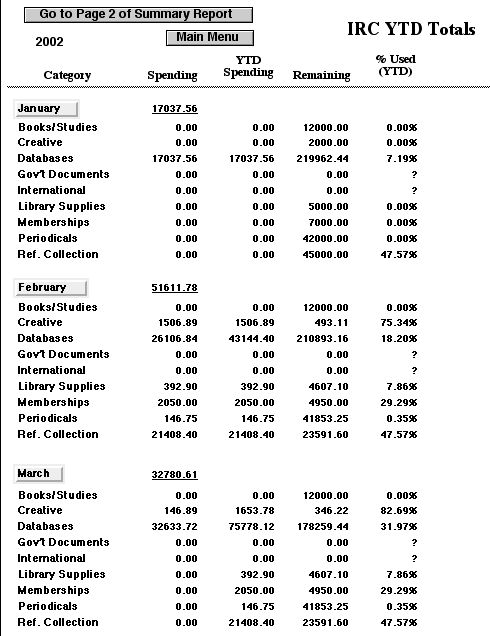
a) One group split its annual budget into several categories, and then in any given month would have expenditures in each of those categories. They wanted a report breaking down their annual expenses by month, and then by category within each month. So far, this is something one would write in a conventional subsummary-part report, but the catch was that they wanted all of the categories to show in each month even if there had been no expenditures (and therefore no records) for that category and month. So this report was assembled via scripting. The elegance of the solution was the modular nature of the scripting: a pair of tiny routines that could be run over and over again within a loop that assembled the report, rather than a "brute force" approach where every data element would require its own script step to assemble.
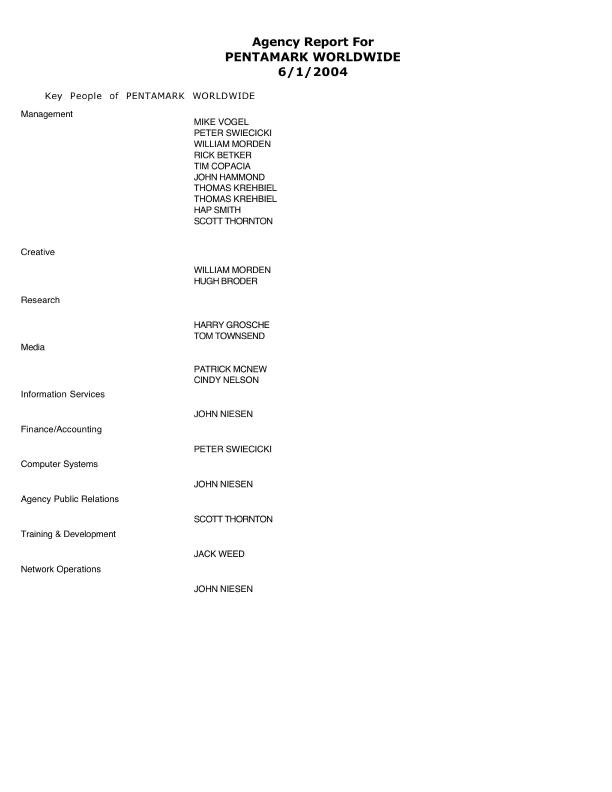
b) An old system built in Oracle, with some users obtaining their reports directly out of Oracle and others obtaining reports via routines written in Brio or Crystal Reports was rewritten in FileMaker despite some concerns that FileMaker would not be robust enough to handle a dataset of that size. The 33-table Oracle system was recreated in a system using only 13 FileMaker files, and the speed with which new features could be added and routines modified outweighed what turned out to be a pretty modest speed hit (in some areas the FileMaker version actually worked faster) and the team was well-satisfied with the result. This solution did include some unusual reports, though. There was a personnel report in which for any given company the ranking personnel within each of several predefined departmental categories would be listed, sorted within each department by their rank within the company. The catch was that at many companies one individual (and therefore one record in the personnel file) would be affiliated with more than one department, and when that happened they wanted the individual to appear multiple times on the report, once for each department. So again, the stock off-the-shelf subsummary-part report was not going to do the trick. This time the solution was not scripted and instead depended on unorthodox relationship definitions and value lists.
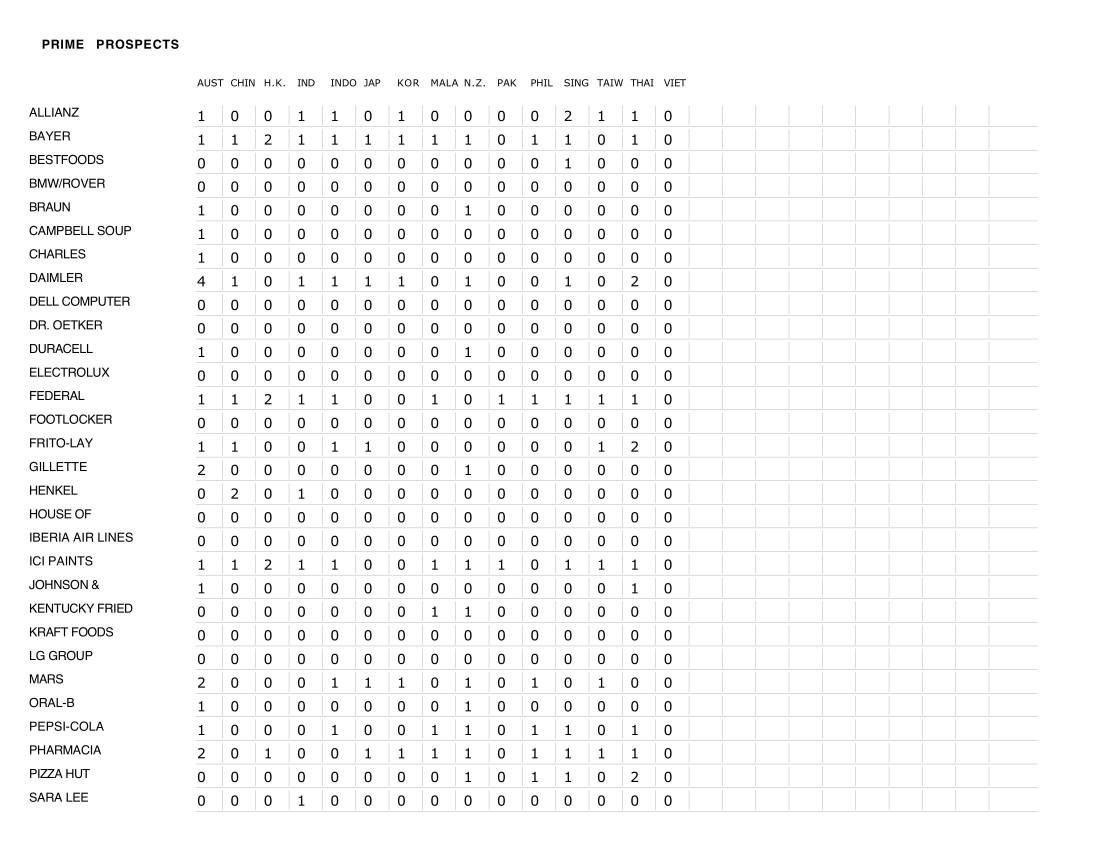
Also in this solution was a report that had to display as a grid, with the horizontal and vertical values both being dynamic and dependent on the found set. Users would run the grid report for a major area (e.g., Asia/Pacific, Europe, etc) and/or for a product line or a client company name; then the report would list client corporate brands along the left margin and countries across the top, sorted in both directions, and would display how many ad agencies existed for each combo of company brand * country.